


What's now possible
How it works

Step 1
Run your survey on aytm as usual
No changes to your research setup. Skipper Reports works with your existing studies.

Step 2
Survey hits
completed status
That’s the trigger. Skipper starts generating your report automatically — no action needed on your end.

Step 3
Your report is ready in about an hour
Open it, review it, edit if you’d like, and share. Or send it straight to stakeholders exactly as it is.
What's in every report
Reports can be edited and saved as new versions before sharing — but the original is always preserved.
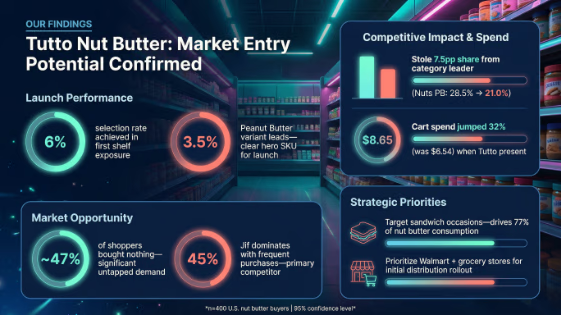
Executive
Summary
A clear narrative overview with a supporting infographic—your deck’s opening slide, ready for any stakeholder.
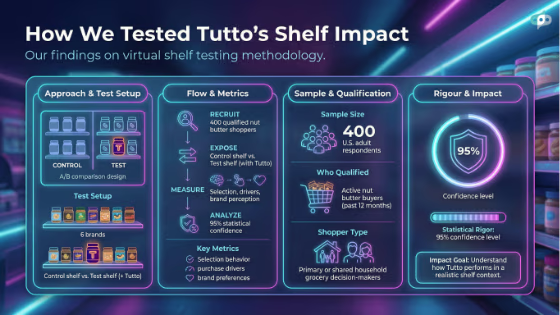
Background
and Methodology
A clean overview of your study setup with an auto-generated infographic, so context is always part of the story.
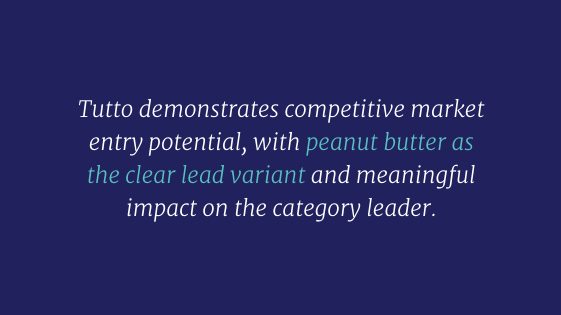
Winner
Slide
A clear visual callout of the top result — the answer your stakeholders are most likely to ask about first.
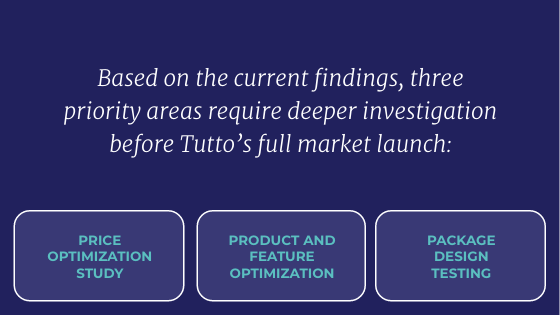
Follow-up
Suggestions
Recommendations for the next research questions worth asking—built right into the report.
Key
Findings
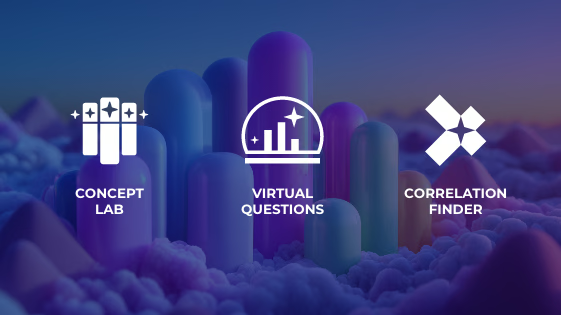
Structured insight blocks linked directly to charts from Concept Lab, Virtual Questions, and Correlation Finder.
Production-Ready
Infographics
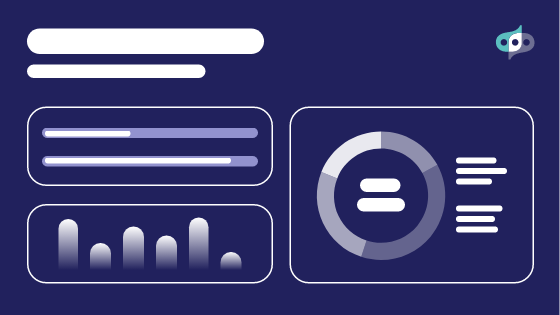
Automatically generated visuals for the executive summary and background sections of the report.

Built for insights
teams of all kinds
For Individual Researchers
Spend less time
designing decks. More
time analyzing results.
- Stop wasting days building presentations– get one automatically, every time
- Get a structured, presentation-ready report without touching a template
- Share findings you can stand behind, without second-guessing the analysis

For insights team leaders
More research.
Same team.
No bottleneck.
- Deliver consistent, high-quality reports across every study
- Scale research volume without scaling headcount
- Give stakeholders same-day results
they can act on


Common questions
How long does a Skipper report actually take to generate?
About 60 minutes after your survey hits Completed status and all analyses finish processing. If you open it while it’s still generating, you’ll see a ‘processing’ status — it won’t be long.
Does it work with all survey types?
Skipper Reports works with most standard survey structures. For complex question types like Advanced MaxDiff or Conjoint, the report includes a summarized version of those sections rather than full chart expansion.
Can I edit the report before sharing it?
Yes. You can review, edit, and save new versions of your report before sharing it with stakeholders. The original auto-generated version is always preserved.
Who is Skipper Reports available to?
Enterprise plan customers have Skipper Reports included — no per-report fees. DIY plan users can access it as a paid add-on. Lite plan users are not currently included.
Is this related to the rest of the Skipper AI product?
Yes. Skipper Reports is part of the Skipper AI product family on aytm — designed to accelerate every stage of the insights workflow, from survey setup to final story delivery.




.jpeg)


